
Tired of Policing your Kids' Devices?
If you're tired of policing your kids' devices then WiFi Shepherd can help.
- WiFi Shepherd is easy to install and setup.
- Let WiFi Shepherd watch what your kids are doing on the devices so you can focus.
- WiFi Shepherd automatically updates itself for security updates and latest features.
Family Privacy First
What your devices are doing is your family's business. We never ship data or logs out of your home without your expressed consent. We built WiFi Shepherd to be a self-healing device that is engineered to stay out of your way and keep your data safe.
Internet Security
Are you tired of wondering what my kids are doing on the internet? WiFi Shepherd watches all connected device internet traffic with your configured filters. If you want to 100% block or enable 5-240 minutes to a site, game, YouTube, Netflix from a child's device(s), WiFi Shepherd is the choice for you.
If a child tries to go to a blocked site or overruns their allowed time WiFi Shepherd can:
- Automatically block the device going to the website/game.
- You can get an email with the device name, site/game, the corrective action taken, and the identified issue for the email alert.
Hook / Introduction
It's 6:40 p.m. and the tablet is glowing under the covers. Again.
You've checked the screen time numbers. You've moved the WiFi password. You've done the "we don't do that" conversation, and you've done it a second time.
WiFi Shepherd was built for exactly this moment. It sits quietly at the edge of your home network, watches what's happening on the devices your kids actually use, and steps in only when you've told it to.
Today it's going Beta — and this post is where we explain what it does, what it never does with your data, and how to get in early.
The Problem
Every parent we've talked to is doing some version of this job without being paid for it:
- Policing the screen. You check the phone. You check the tablet. You check the console. Three devices, three logins, three times a day — and the moment you stop looking, the rules stop working.
- The 2 a.m. worry. The subscription got charged again. The "family-friendly" app is now serving something you'd rather not see. The game session ran 90 minutes past curfew.
- The setup tax. Most parental controls mean a different app per device, a cloud account per family, and a privacy policy you have to trust a company you've never heard of.
You shouldn't have to be a full-time network admin to keep your kids safe. That's the hole WiFi Shepherd fills.
Set up in minutes, not a weekend
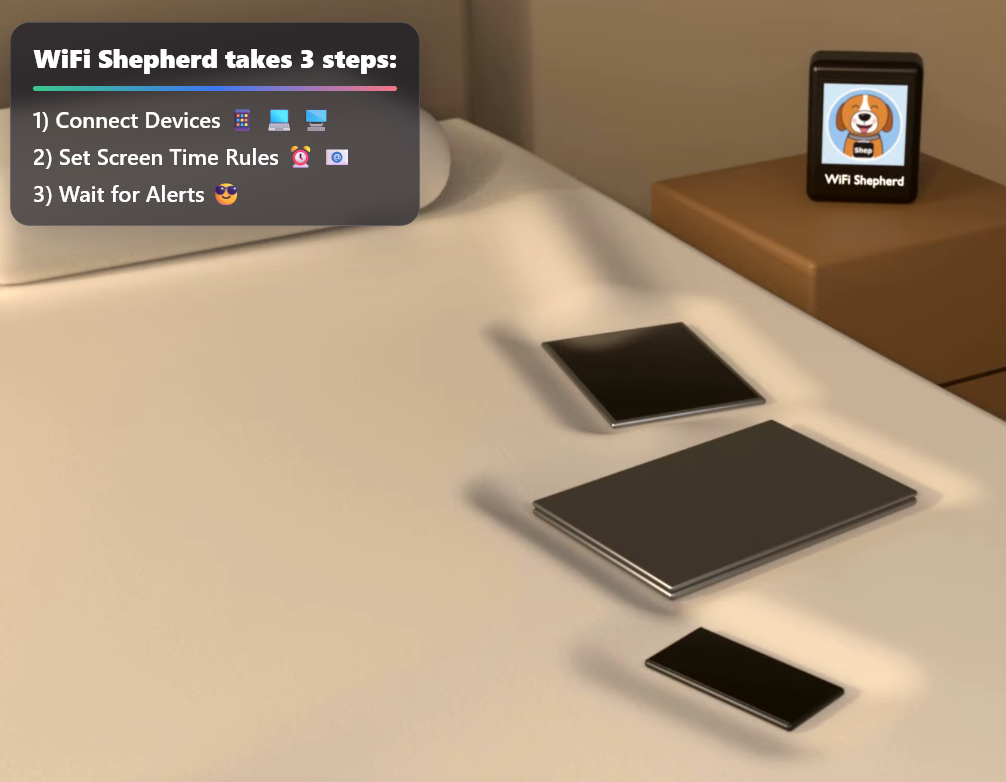
WiFi Shepherd is a single device that sits on your home network. Plug it in, point it at your router, and open the companion app. From there it discovers the devices on your network — phones, tablets, consoles, the mystery iPad someone "is just borrowing" — and you assign each one to a profile.
No per-device app to install. No cloud account to register. No separate subscription for every child.
If you're not technical, that's the point. The setup is designed for the parent who is also a chef, a coach and a tax-filer in the same week.
No Cloud Service Watching Your Family Internet Activities
Everything WiFi Shepherd sees — the requests, the filters, the alerts — lives on the device, in your home. Nothing is shipped to a server we run, and nothing is shared with anyone, without your explicit consent.
Two more things:
- Self-updating. Security patches and new features install themselves. You don't have to remember to update a little box on a shelf.
- Self-healing. If a connection drops or a profile gets corrupted, the device notices and recovers on its own. The last thing you want at 7:40 p.m. is to be troubleshooting hardware.
The short version: WiFi Shepherd is engineered to be out of your way — doing the watching quietly, keeping the data where it belongs, and only tapping you on the shoulder when you've asked it to.

Call to Action
Join the beta. Tell us where you are and what you're trying to manage, and we'll get a unit and a setup guide to you.
- Register for the WiFi Shepherd Beta
- Found an issue or a bug? Reply to the email or send an in-app message and we can take a look.
- Not ready yet? Read the Terms of Service, Privacy Policy, Data Use, Refund Policy
If you're on the fence about WiFi Shepherd:
- We believe in privacy first. We do not store or hand your family's internet data to a corporate cloud that uses your data against you. Nothing leaves the device except small, minimized email notifications with an active WiFi Shepherd Alerts Subscription.
- WiFi Shepherd is your local expert network admin capable of taking corrective actions to enforce your family's screen time experience with any connected device.
Conclusion
WiFi Shepherd is simple. The lights stay on. The door stays locked. You get one email at 9:15 saying Johnny's iPad tried to reach a blocked site — I blocked it, here's the details. And that's it. No dashboard to babysit, no cloud to trust with your internet traffic data, no weekly "we need to talk about your screen time" that turns into a shouting match.
Reach out with the Message us button on the bottom right if you have any questions!
Thanks for reading and your time,
Jay